Controls
Keyboard, gamepad,
phone, headset.
A first flight step by step, every key, touch and tilt controls on a phone, VR headsets and tips on how to fly each aircraft.
01 · First flight
Five steps from runway to runway.
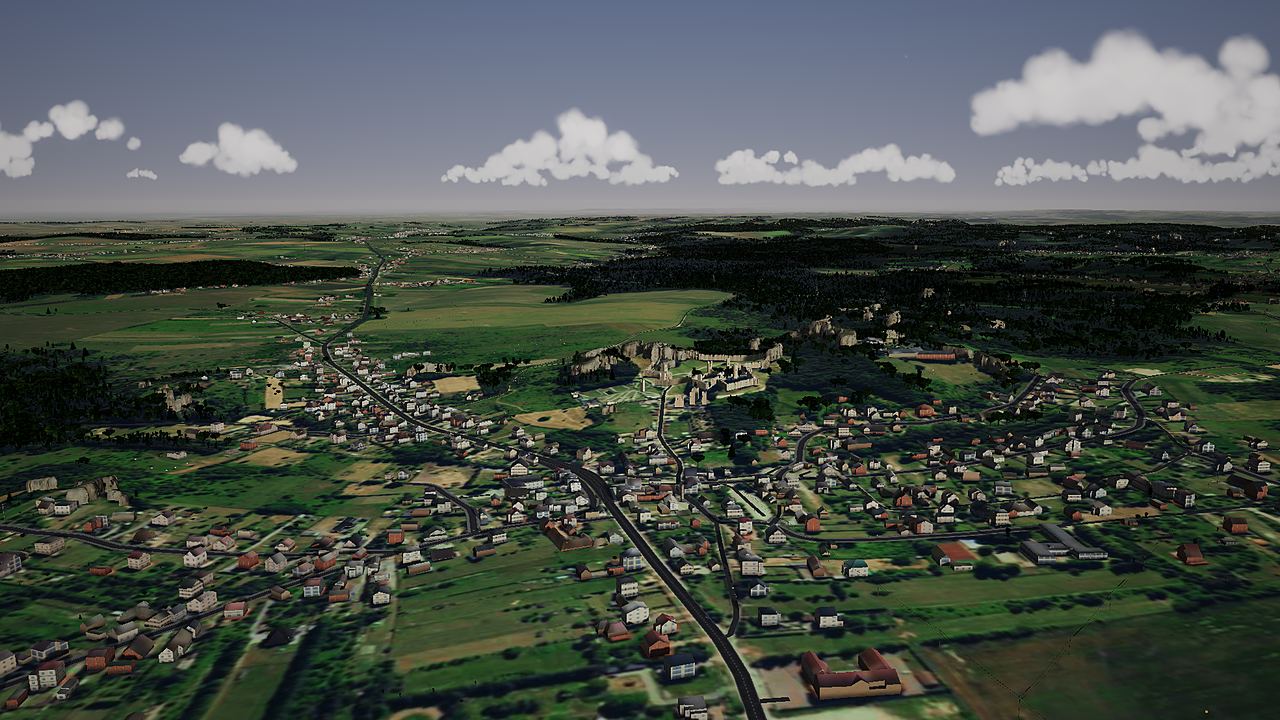
A Cessna 172 from the grass airfield at Niegowoniczki. If something goes wrong, Backspace restarts the same flight.
02 · Computer
Keyboard and gamepad.
The same keys for every aeroplane; the helicopters, drone, balloon and car use them in their own way (below). There's a cheat sheet in the game too: menu, Controls tab, or the H key in flight.
03 · Phone and tablet
Two thumbs.
The game runs in your phone's browser with no installation: Safari on iPhone (iOS 16.4 or later), Chrome, Edge or Firefox on Android.
04 · Motion sensors
Your phone as a control wheel.
Instead of your left thumb, tilting the phone flies the aircraft, read from the device's motion sensors.
05 · VR headsets
In the cockpit, for real.
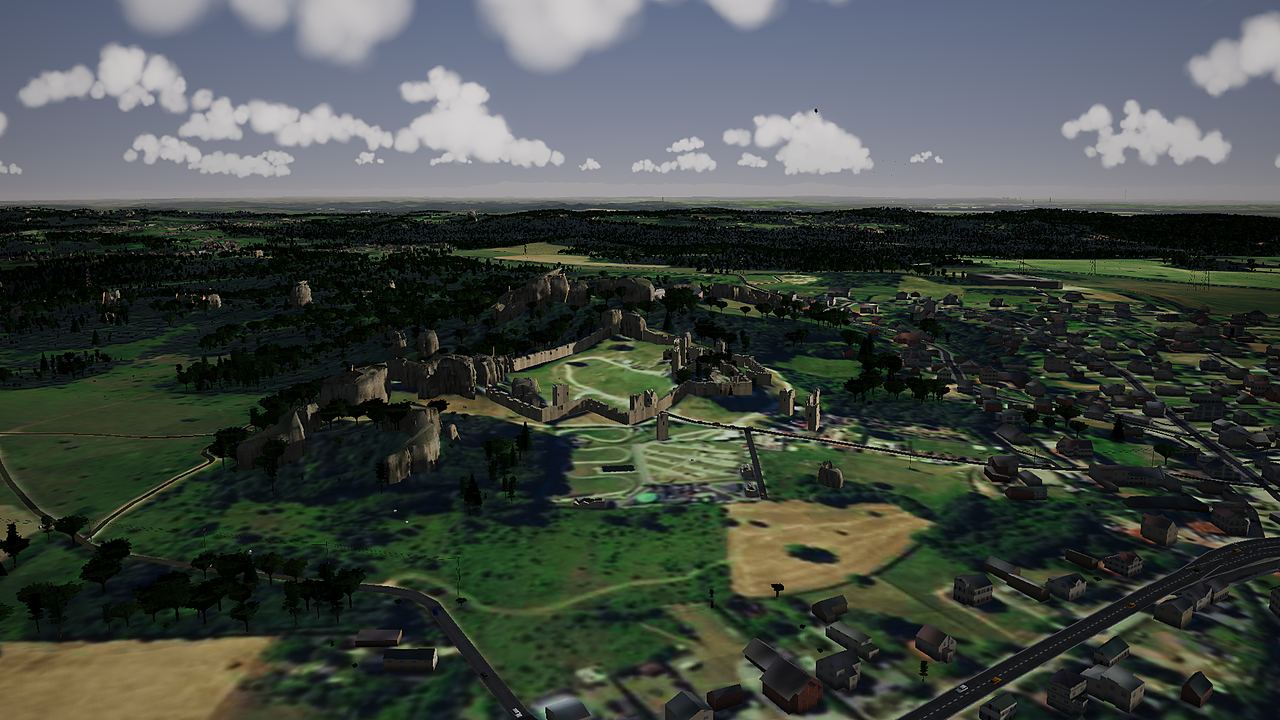
VR mode (WebXR) puts the camera in the pilot's seat: you look around with your head, and the Jura is all around you.
06 · How to fly what
Every aircraft in its own way.
Take-off, flight and landing in a few sentences. Speeds are approximate, from the game's flight models.
The best way to learn is in the air.
With control assist the aircraft forgives a lot, and a crash costs only one keypress.
Launch the game